Organization history
The History tab tracks billing events and audit-log entries for the organization.
To open it, click your avatar in the top-right → Organizations → select your organization → History in the side-nav.
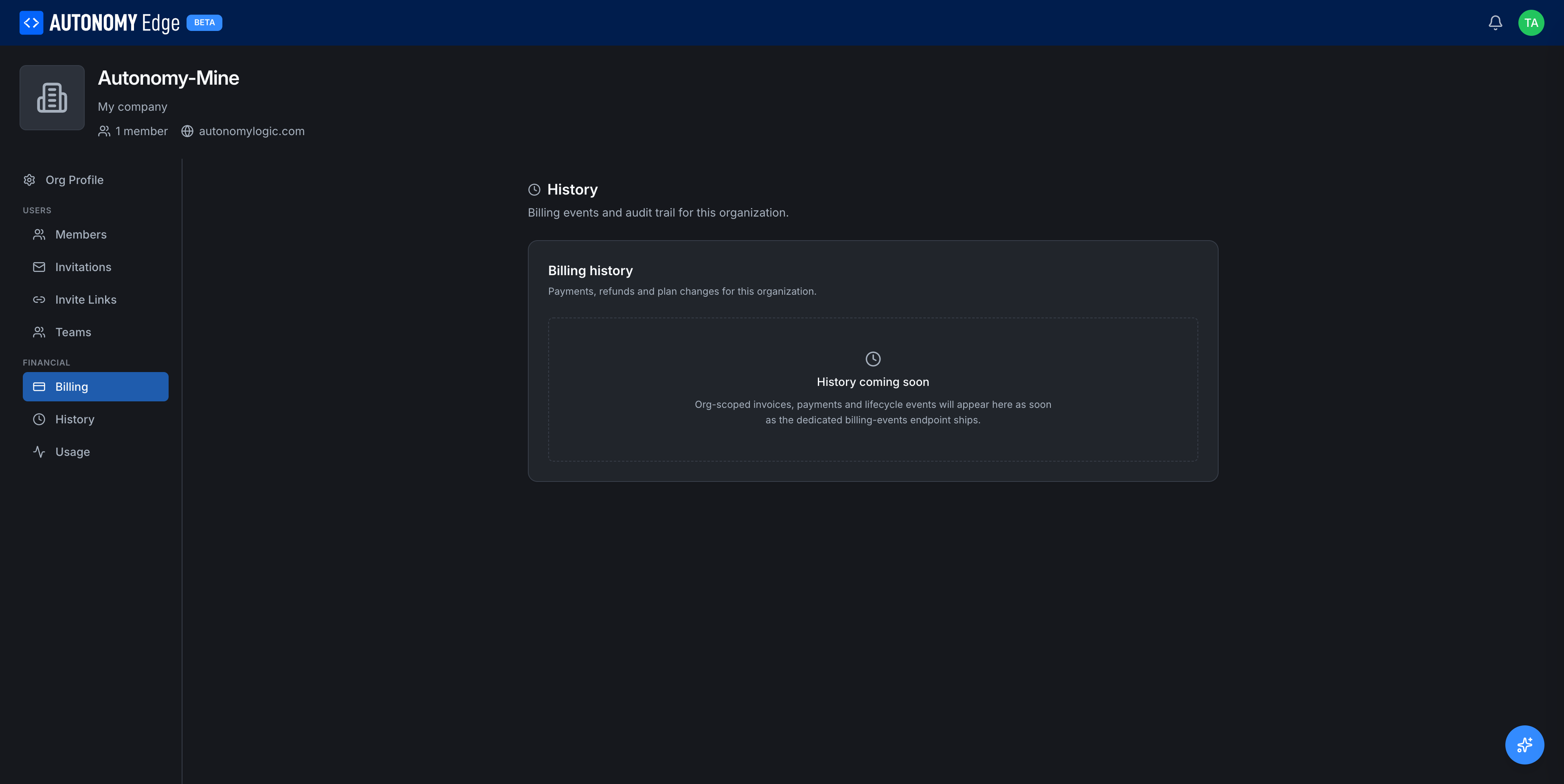
What's here today
Today the page shows a single section, Billing history, with the placeholder:
History coming soon. Org-scoped invoices, payments and lifecycle events will appear here as soon as the dedicated billing-events endpoint ships.
In the meantime, paid invoices are available from the Billing tab → Invoices list.
What will be here
When the dedicated history endpoint is live, you can expect:
- Billing events: every plan change, seat addition, invoice paid, payment failed, refund issued.
- Membership audit: who was invited, who joined, who was promoted/demoted, who left or was removed.
- Settings audit: every change to the org profile, name, description, social links.
- Resource audit: Devices registered, vPLCs created/deleted, projects moved into or out of the org.
Each entry will have:
- Timestamp.
- Actor (the user who performed the action, or System for automated events).
- Action type.
- Target (which entity it touched).
- Diff (for change events that have a meaningful before/after).
Who can see history
- Owner: yes.
- Admin: yes.
- Member: no. The tab is hidden from members.
Where to next
- Current invoices → Billing tab.
- Day-to-day member management → Members and roles.
- Platform-wide changelog (different) → click What's new in the user menu, or visit the changelog.
On This Page