Settings → Security → Email
The Email section lets you change the email address associated with your account.
To open it, click your avatar in the top-right, choose Settings, then expand Security in the left side-nav and click Email.
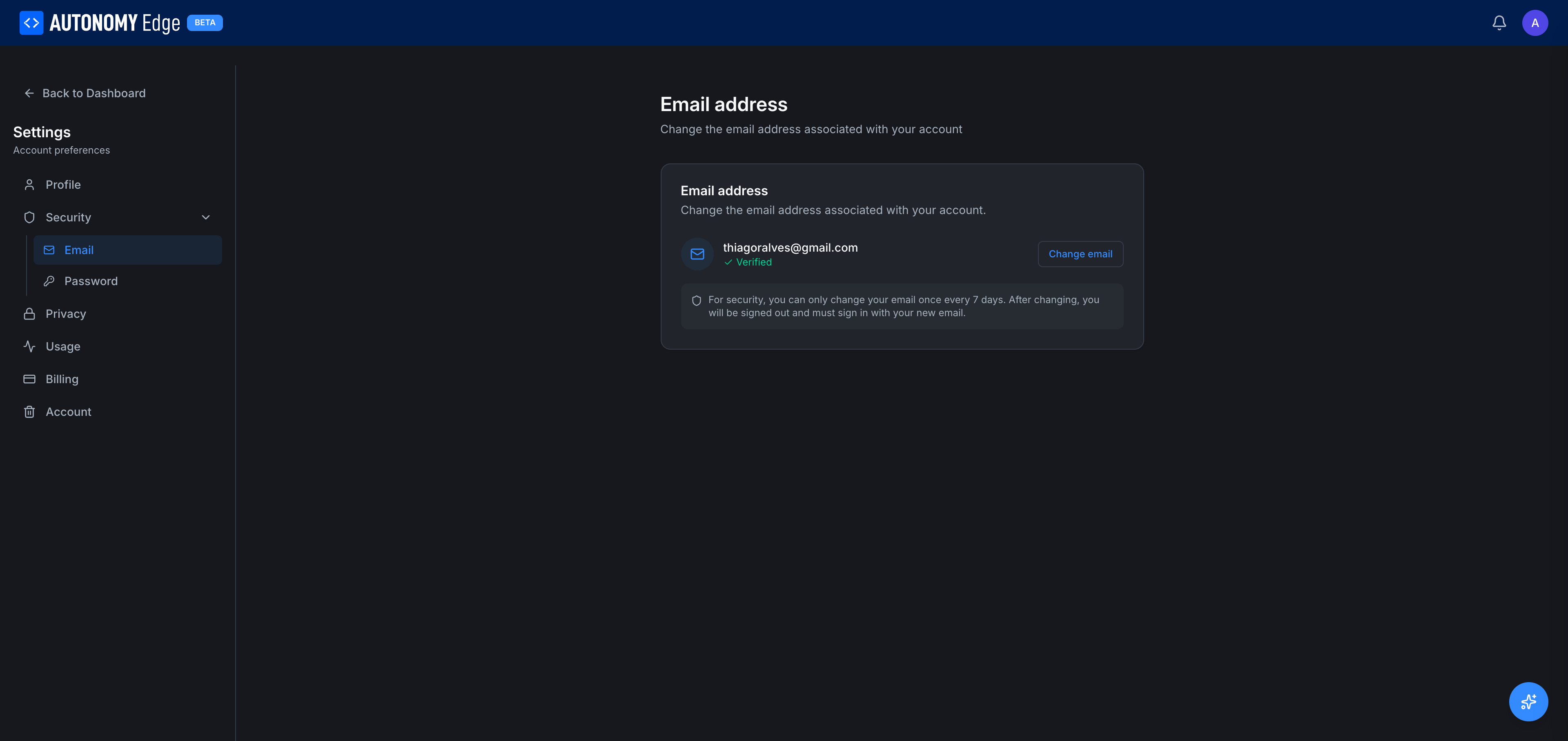
What you see
- Current email: your verified email with a green ✓ Verified check.
- Change email button: opens the change-email flow.
A notice below the email box reminds you of the security rule:
For security, you can only change your email once every 7 days. After changing, you will be signed out and must sign in with your new email.
Changing your email
- Click Change email.
- Enter the new email address and your current password (for re-authentication).
- The platform sends a verification email to the new address.
- Open that email and click the verification link (or enter the 6-digit code).
- The change takes effect.
Side effects of a successful email change:
- All active sessions on every device are signed out. You'll need to sign in again with the new email.
- The 7-day cooldown clock starts. The next email change is blocked until 7 days pass.
- Past invitations and links sent to your old email continue to work for you, but new platform emails go to the new address.
If verification fails or times out
- The new email isn't activated. Your account still uses the old one.
- You can retry by clicking Change email again. (You may need to wait until any session-level rate-limit clears.)
Why the 7-day cooldown
Frequent email changes are a common pattern in account-takeover attacks. The cooldown gives you (and the platform) a window to detect and reverse a malicious change before the attacker can lock you out.
What if I lose access to my old email and need to change?
If you can sign in with your password (or SSO), you can change emails normally. The verification goes to the new address, not the old one.
If you've lost access to both your old email and your password/SSO, contact support, there's a manual recovery process.
Where to next
- Change your password → Security → Password.
- Delete your account → Account.
- Manage email-based notification opt-ins → Privacy.
On This Page