Settings → Profile
The Profile tab in your account settings is where your public-facing identity lives, name, username, bio, avatar, location, and time zone.
To open it, click your avatar in the top-right and choose Settings. Profile is the default tab.
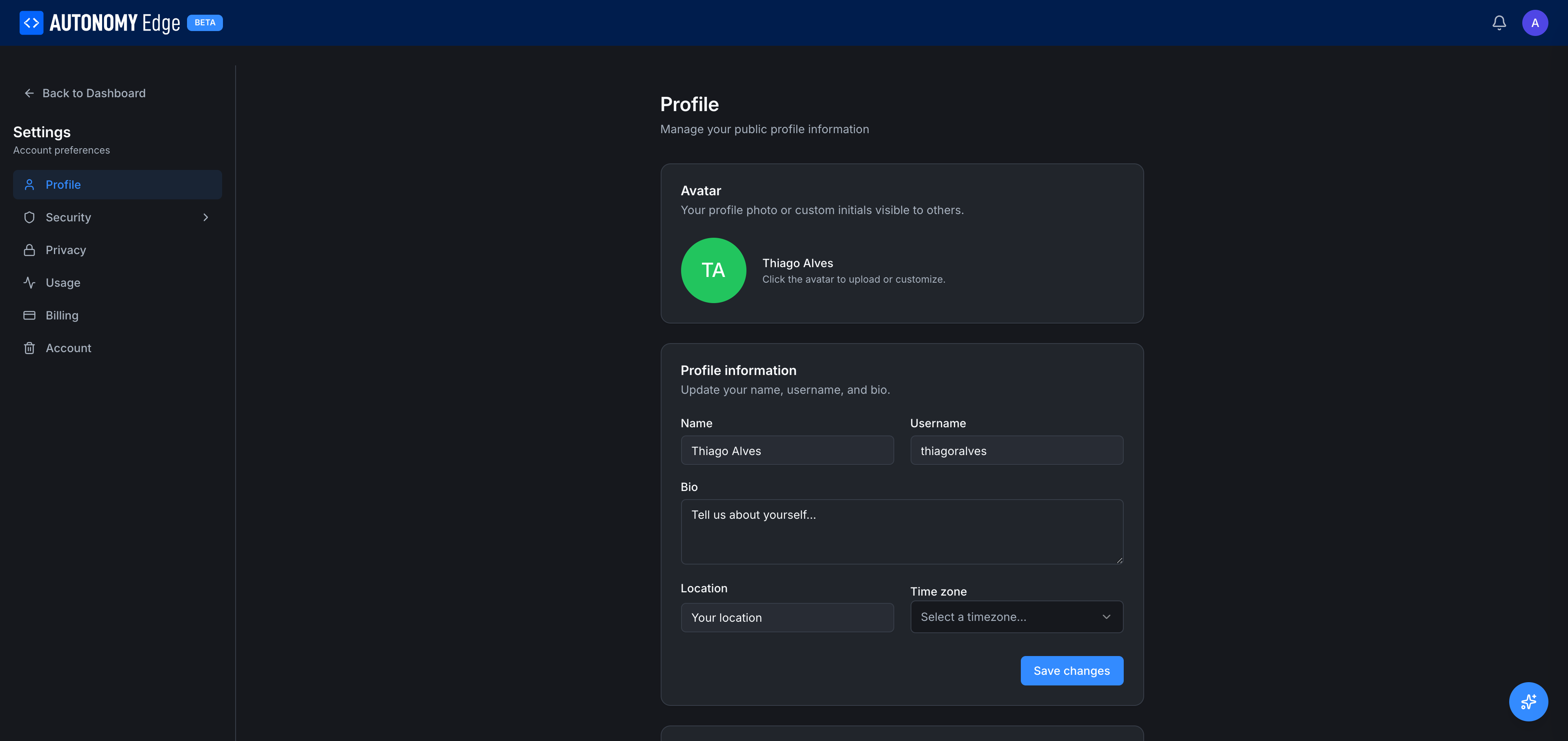
The page has a left side-nav listing every settings section:
- Profile (current)
- Security → Email, Password (sub-items expand)
- Privacy
- Usage
- Billing
- Account
A Back to Dashboard link at the very top returns you to your personal dashboard.
Avatar section
- Your avatar circle and name on the right.
- Click the avatar to upload or customize. Instruction text below the row.
Clicking the avatar opens the upload dialog (PNG/JPG/GIF, square, up to 2 MB). See Editing your profile for the upload requirements.
Profile information
- Name: your display name. 80 characters max.
- Username: your unique handle. 3–30 characters, lowercase + digits +
-+_. - Bio: multi-line free text, up to 500 characters. Plain text.
- Location: free text.
- Time zone: dropdown of IANA time zones (UTC, America/New_York, Europe/Berlin, Asia/Tokyo, etc.).
A Save changes button at the bottom commits all of the above in one shot.
What changing each field affects
| Field | Where the change shows up |
|---|---|
| Avatar | Header, profile, forum posts, commit cards, DM list, member lists. |
| Name | Profile, forum posts, commits, DMs. |
| Username | URLs, mentions, member lists, your forum identity. |
| Bio | Your profile. May appear in user hover-cards in the future. |
| Location | Your profile. |
| Time zone | Local-time display of timestamps in the editor and on some platform pages. |
Related sections
- Settings → Security → Email: change your account email.
- Settings → Security → Password: change your account password.
- Settings → Privacy: DM and notification controls.
- Settings → Usage: AI credits and plan limits.
- Settings → Billing: your personal subscription.
- Settings → Account: delete your account.
Where to next
On This Page